Ever since GT7 introduced engine swaps, a very frequently asked question is “How do I swap the engine in my car?” Thankfully, GT7 has given us 2 ways to do this. One method requires you to be level 50 in order to unlock it. The other only requires some luck. We’ll start with the luck method first.
Method 1: Engine Swap after winning one in a roulette
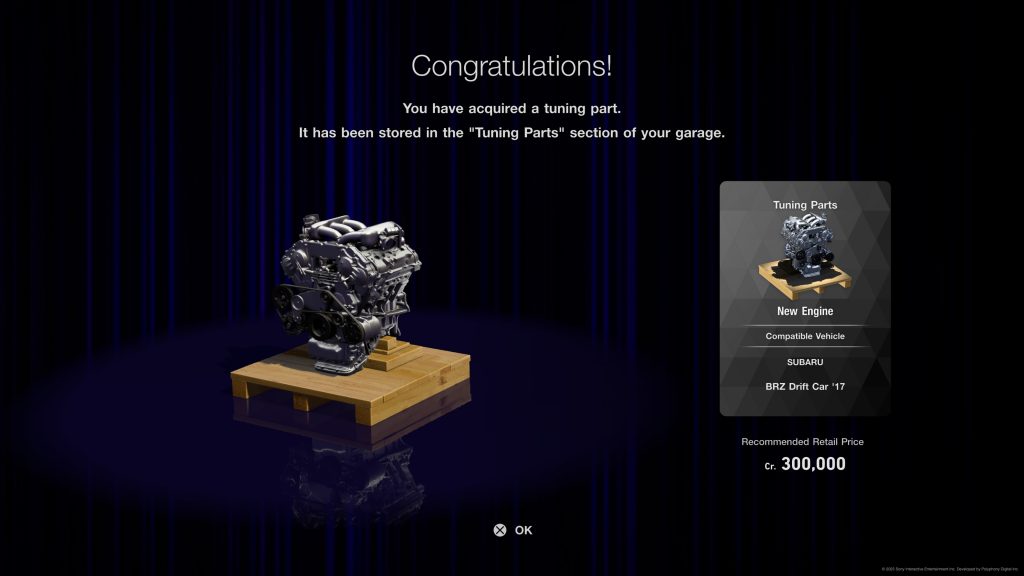
Occasionally, you’ll see an engine you can swap inside of a roulette ticket. 4 star tickets and up seem to have them at random. You may also get a 6 star ticket that only contains a selection of engines to win. These appear in the weekly challenges as well as for completing menu books. Once you win an engine, it will be stored in the Tuning Parts section of your garage. Here’s how to swap it.
Decide which car you want to swap the engine into. You can find a complete list on our site: Gran Turismo 7: Engine Swaps List
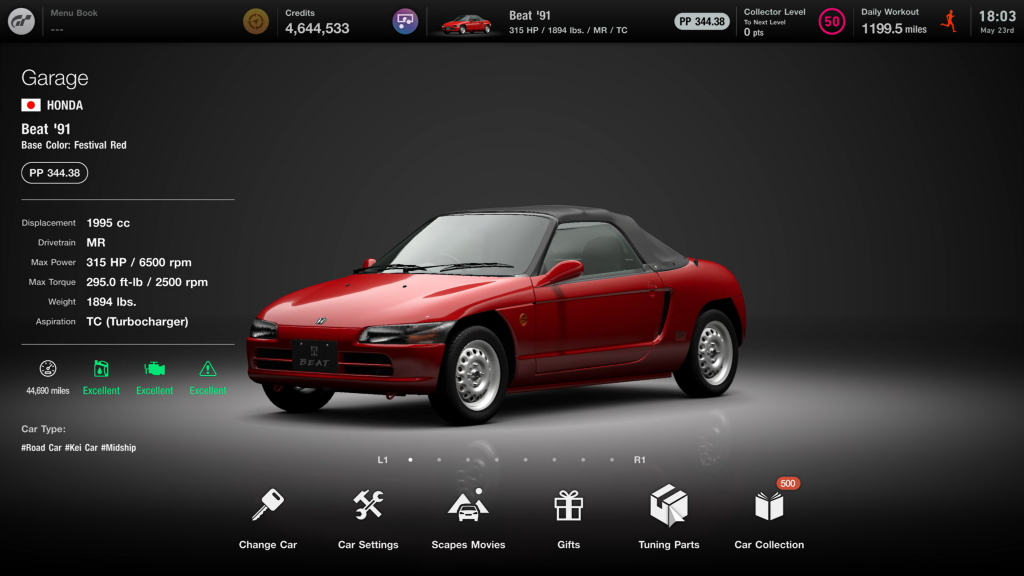
Change to that car, then head to the Tuning Parts section.
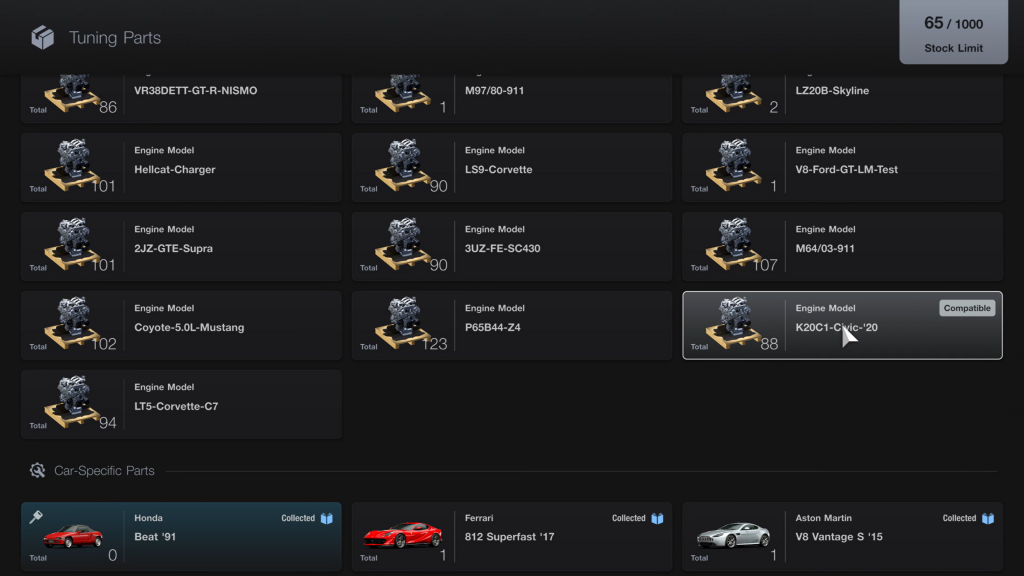
Select the engine you want to swap. It should have a “Compatible” icon on it.
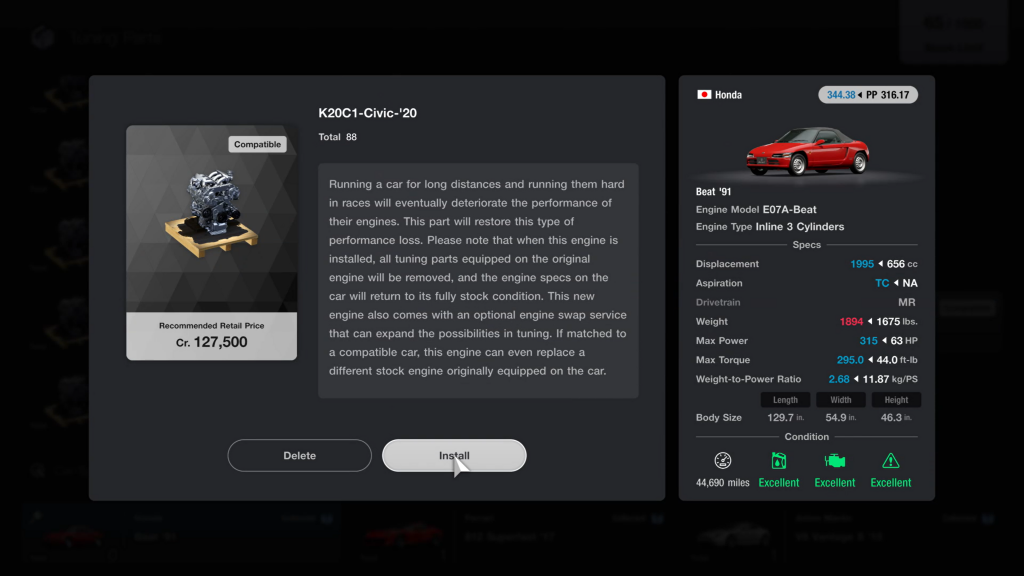
Select the install button.
Confirm your selection by selecting Yes.
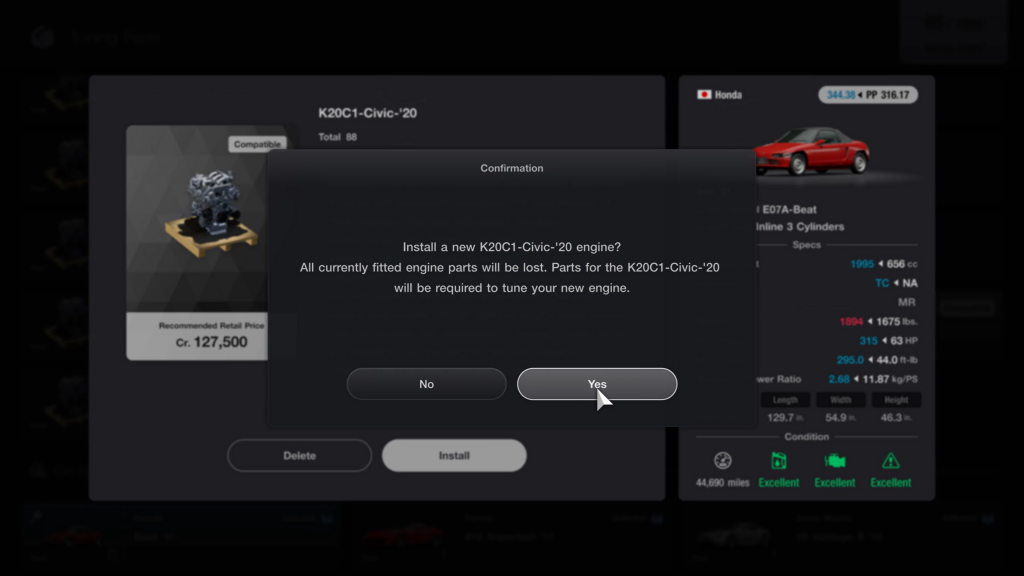
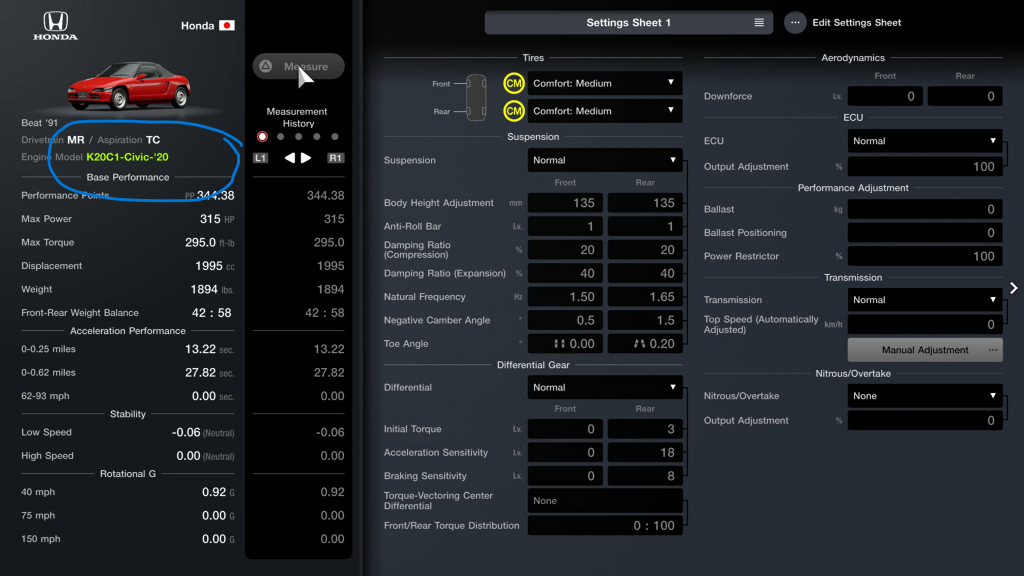
And voila! Your swap is complete! If you head back to Car Settings, you will see the engine model now in yellow instead of white.
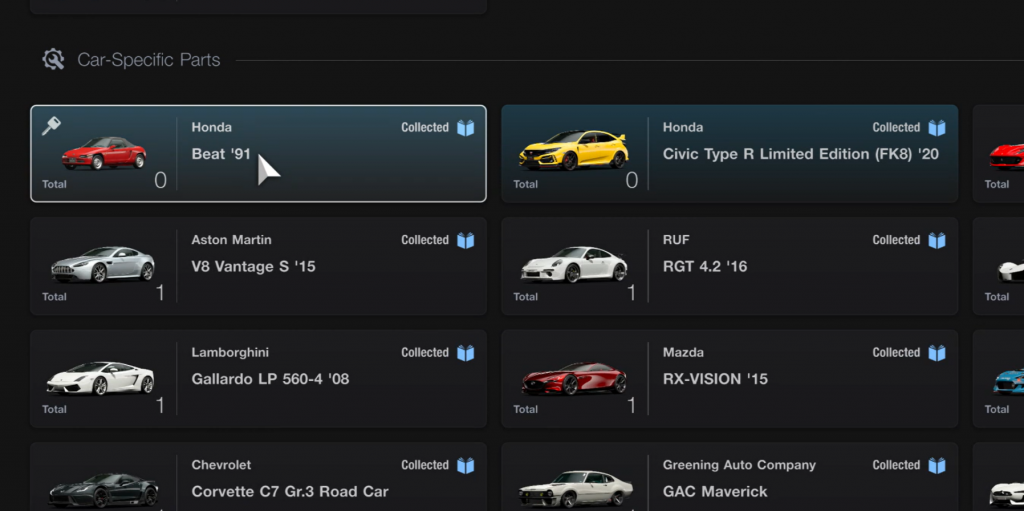
You will also see that there are two cars highlighted in the “Car-Specific Parts” section. This means you can also use any engine related parts you may have won in the Roulette.
Method 2: Life after level 50
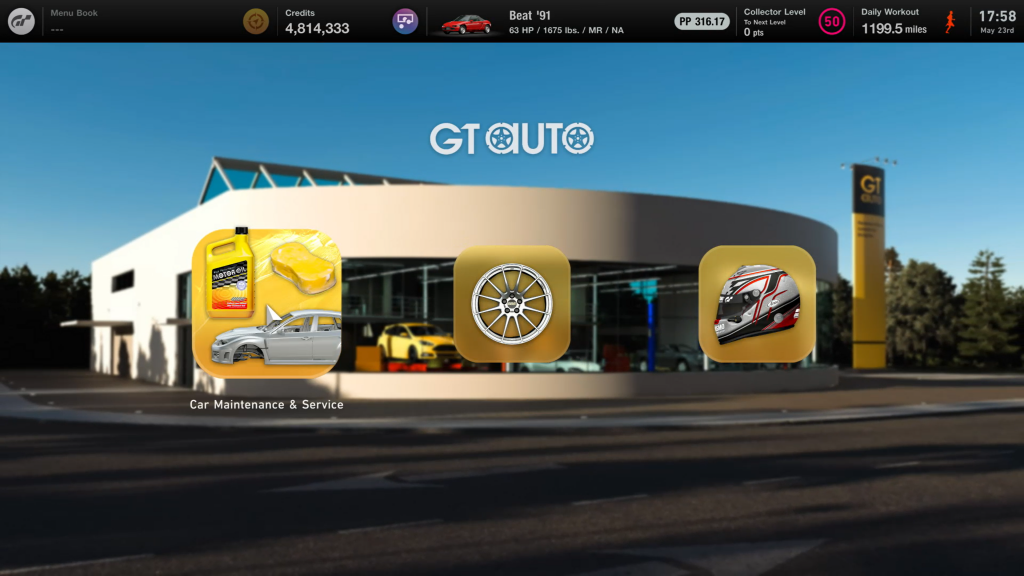
After you reach level 50, a whole new world opens up for you in GT7. Engine swaps are now accessible from GT Auto. So once you pick your car, head out of the garage and over there.
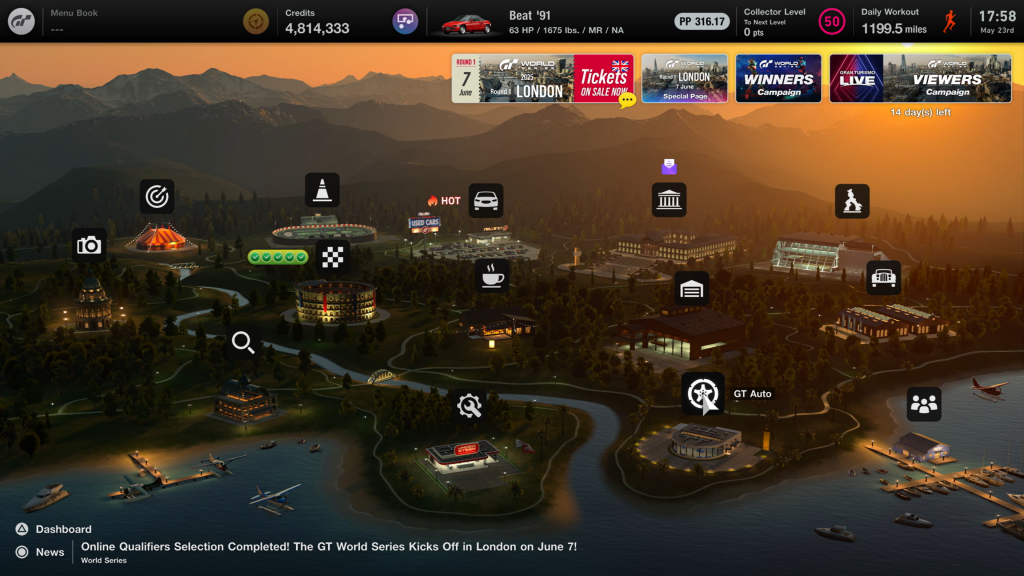
Then select Car Maintenance & Service.
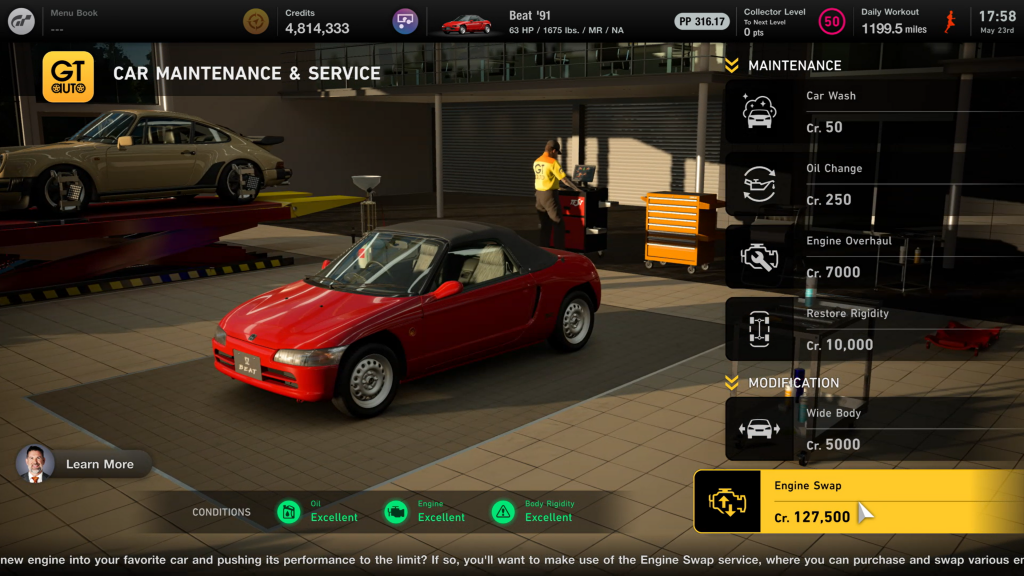
All the way to the bottom is the engine swap menu.
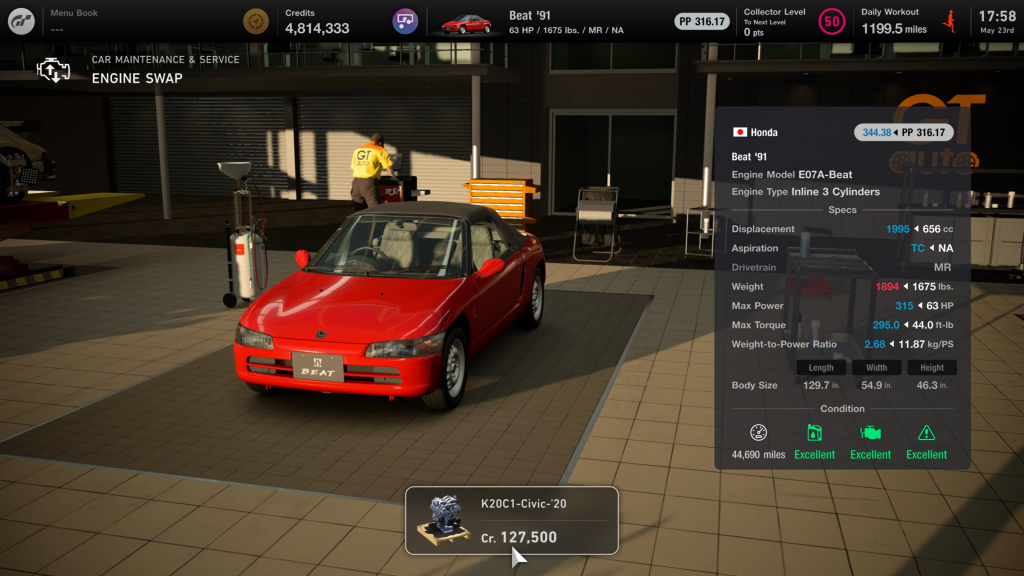
When you select it, it will show you the available engine swaps.
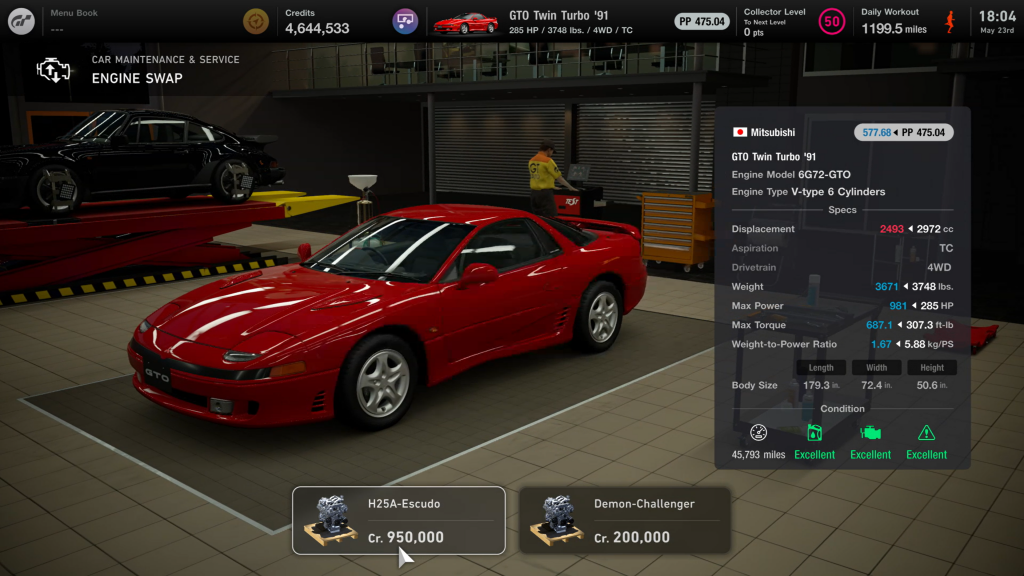
Some cars will have more than one, like this Mitsubishi GTO!
Once you choose your engine swap, you can select Install just as you did in Tuning Parts.
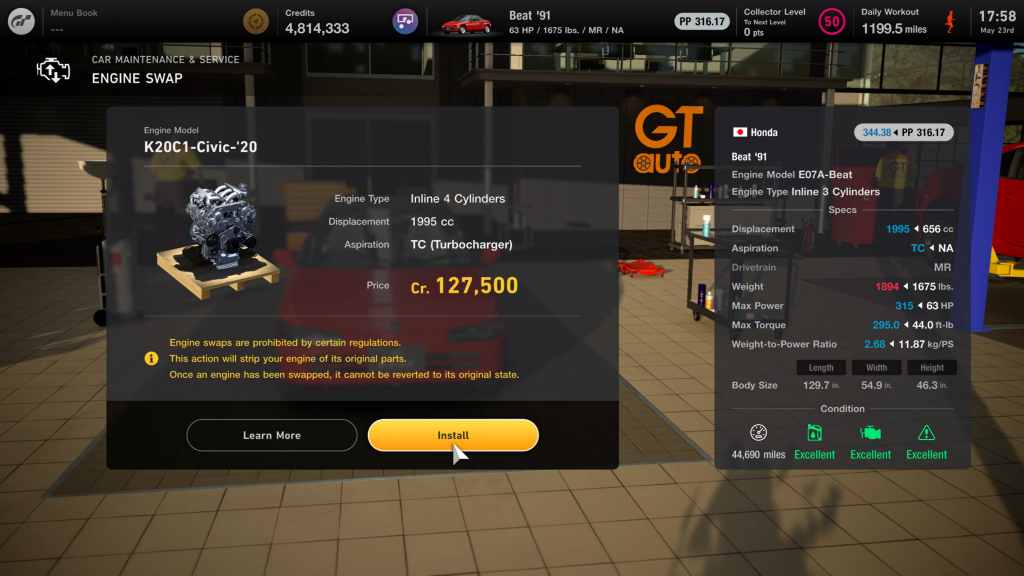
Then confirm it the same on the next screen.
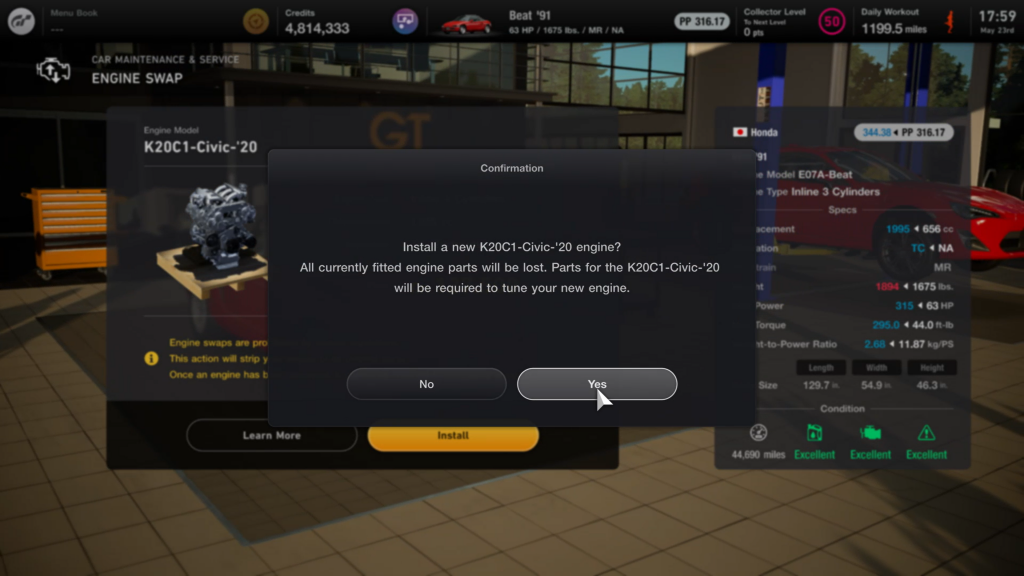
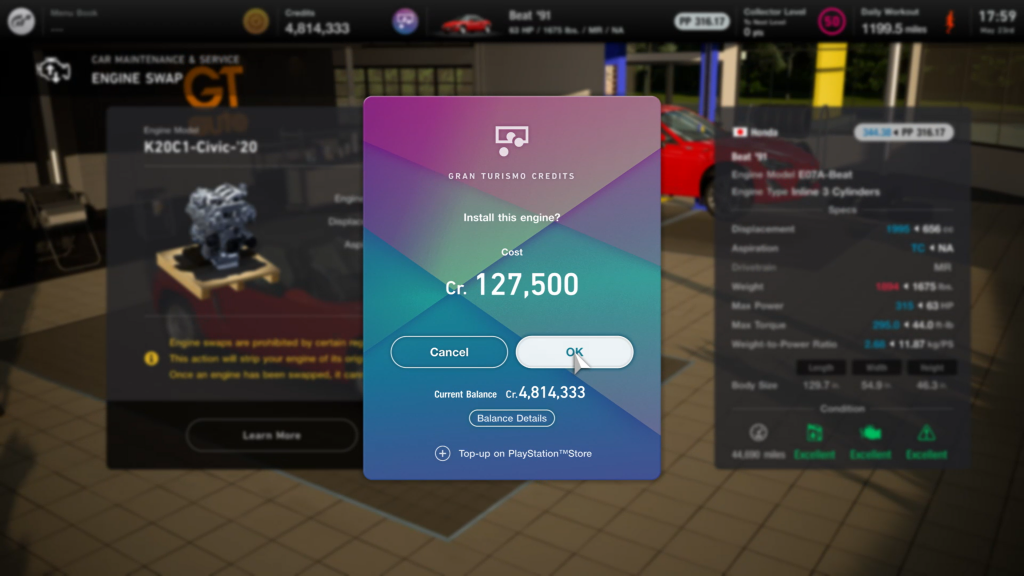
This time though, it will make sure you have enough credits to perform the swap. Press Ok if you do.
Then the hilarious engine swap animation plays…
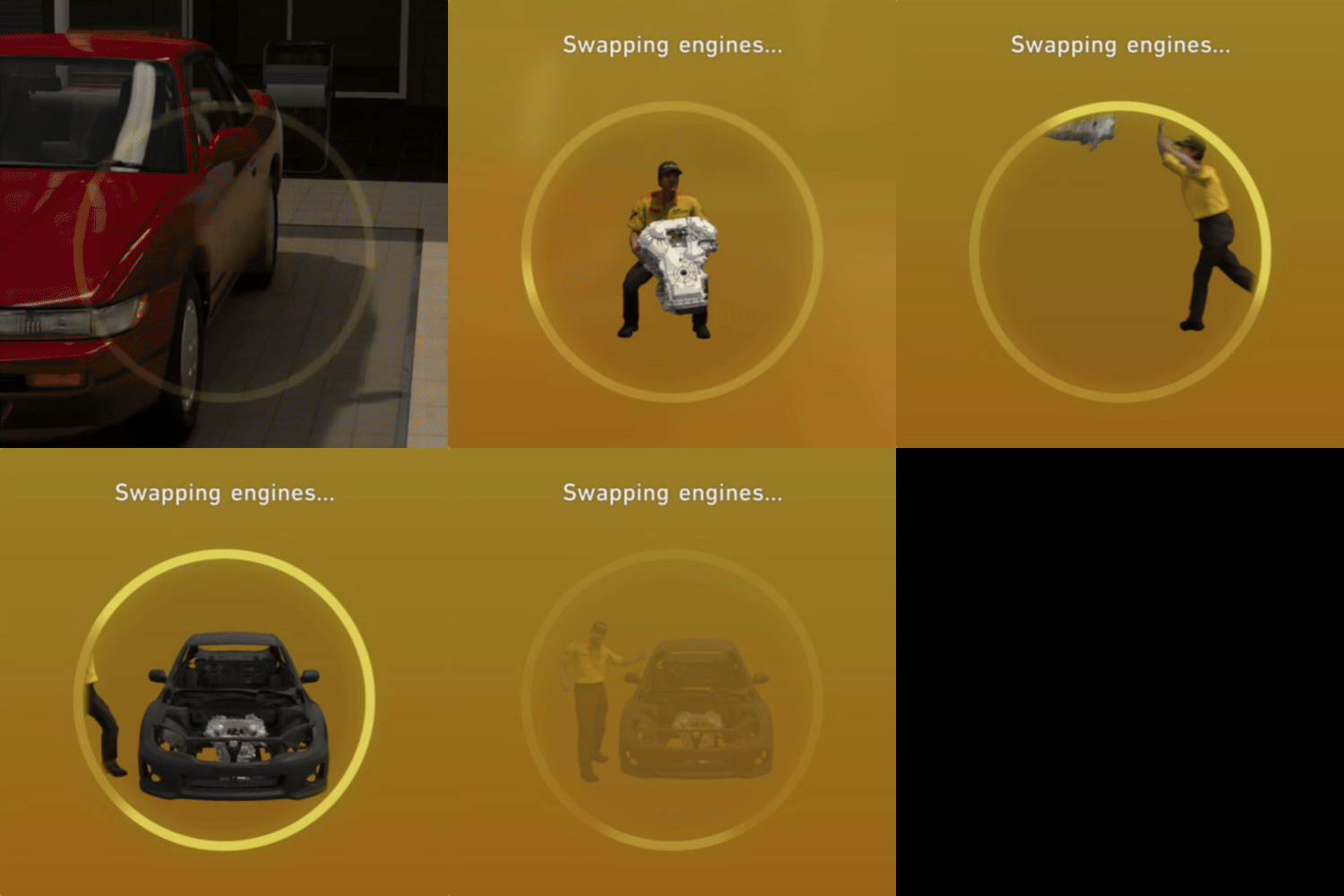
And then the swap is complete!
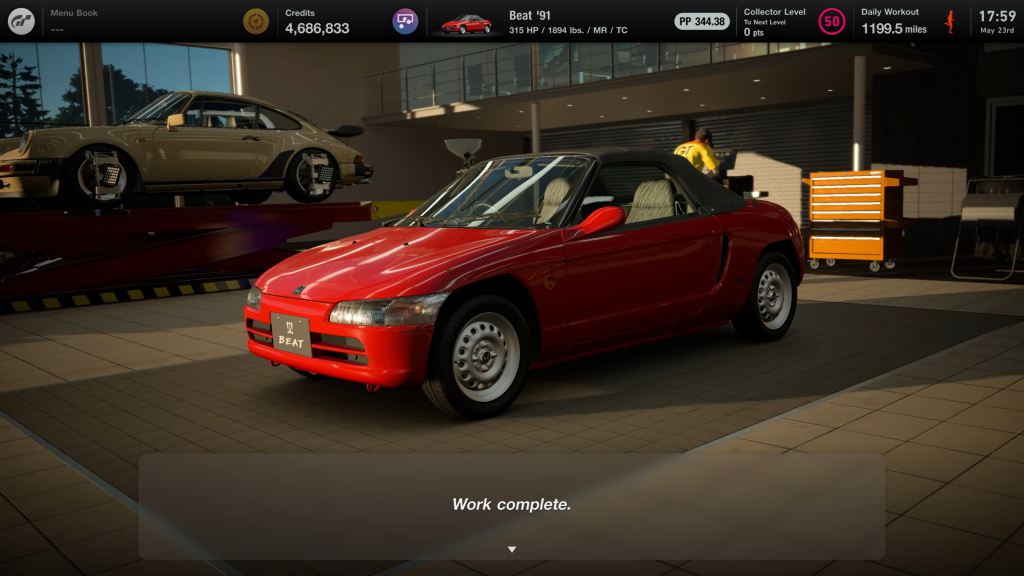
You can also confirm this inside of the Car Settings screen in your garage.
Outro
And that’s it! I made this tutorial because I see a LOT of confusion around engine swaps before level 50. If you found this helpful or interesting, peruse the site to check out other content, or head to my YouTube channel to check out some videos I’ve created. Thanks for reading, and happy racing!